
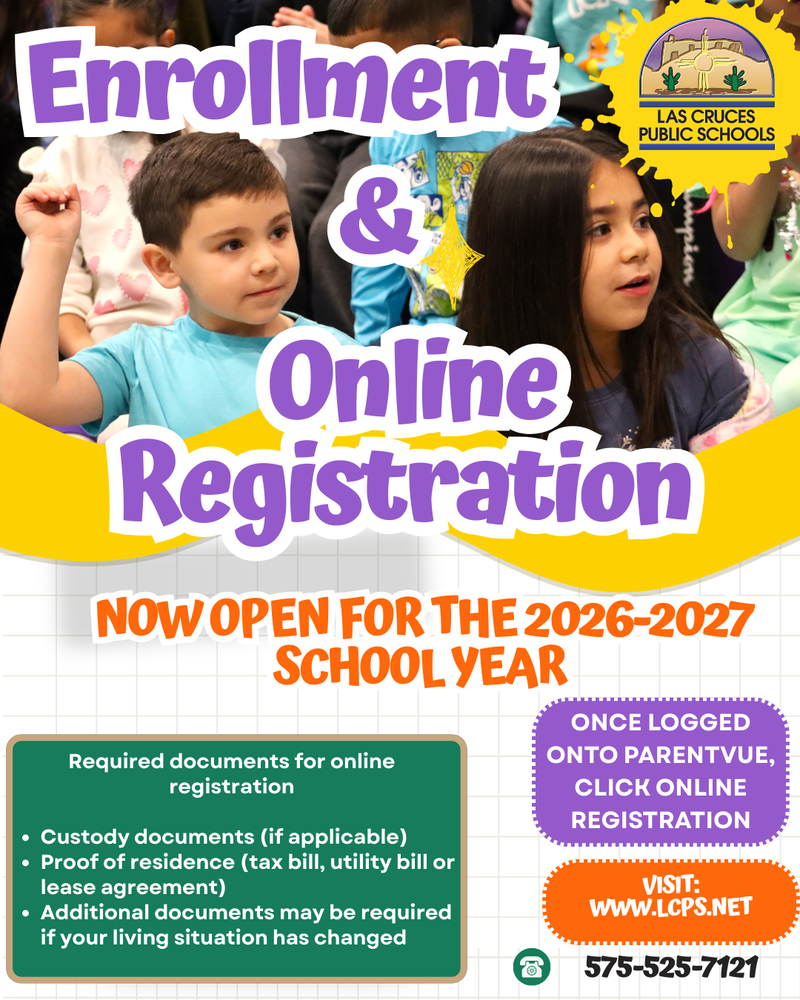
Online registration and enrollment for new and current students at Las Cruces Public Schools is now open for the 2026-2027 school year. Registration opened Monday, March 2, 2026.
Parents and guardians must complete online registration every year. Online registration establishes your child’s information with LCPS. Parents and guardians also have the opportunity to ensure their contact information and home address is up to date, verify child’s medical information, request transportation (if needed), and complete all required forms.
Required documents for online registration:
Custody documents (if applicable)
Proof of residence (tax bill, utility bill or lease agreement)
Additional documents may be required if your living situation has changed
Parents and guardians must complete the enrollment process for their child annually. If you do not have access to a computer or the internet, you can use a computer at your child’s school to complete registration.
Families with students new to the district must create a ParentVUE account. Parents will complete the online registration via ParentVUE for a new student’s initial enrollment. The same documents required at registration will be needed to finalize enrollment, including the child’s current immunization record.
ParentVUE is a secure, mobile-friendly portal that allows parents to view grades, attendance, assignments, and class schedules.
Parents of students new to the district can access ParentVUE by going to the Las Cruces Public Schools website, www.lcps.net, and clicking on the ParentVUE link to complete the registration process. Step-by-step instructions, helpful tools, and video tutorials are also available on the website to guide you through creating an account.
Families who already have a ParentVUE account and receive information from their child’s school do not need to create a new account. If you need have any questions about creating a ParentVUE account, email ioteam@lcps.net or call 575-525-7121. To access community outreach resources, please click here.
La inscripción y el registro en línea ya están abiertos en las Escuelas Públicas de Las Cruces
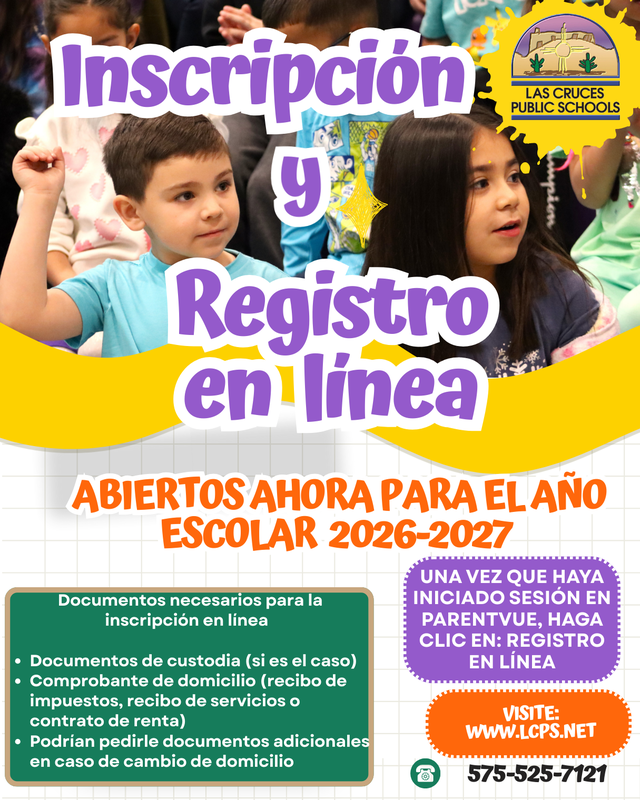
La inscripción y el registro en línea para estudiantes nuevos y actuales en las Escuelas Públicas de Las Cruces ya están abiertos para el año escolar 2026-2027. El período comenzó el lunes 2 de marzo de 2026.
Los padres y tutores deben completar el registro en línea cada año, ya que este permite proporcionar y mantener actualizada la información de su hijo/a en el sistema de LCPS. También brinda la oportunidad de verificar que la información de contacto y la dirección del domicilio estén actualizadas, así como confirmar los datos médicos del estudiante, solicitar transporte (si es necesario) y completar todos los formularios requeridos.
Documentos requeridos para el registro en línea:
• Documentos de custodia (si corresponde)
• Comprobante de domicilio (factura de servicios públicos, contrato de arrendamiento del inquilino o estado de cuenta hipotecario)
• Es posible que se requieran documentos adicionales si su situación de vivienda ha cambiado
Los padres y tutores deben completar el proceso de inscripción de su hijo/a cada año. Si no tiene acceso a una computadora o a internet, puede utilizar una computadora disponible en la escuela de su hijo/a para completar el registro.
Las familias con estudiantes nuevos en el distrito deben crear una cuenta en ParentVUE, a través de la cual completarán la inscripción inicial del estudiante. Los mismos documentos requeridos durante el registro serán necesarios para finalizar la inscripción, incluyendo el registro actual de vacunación del estudiante.
ParentVUE es un portal seguro y compatible con dispositivos móviles que permite a los padres consultar calificaciones, asistencia escolar, tareas y horarios de clase.
Los padres de estudiantes nuevos en el distrito pueden acceder a ParentVUE visitando el sitio web de las Escuelas Públicas de Las Cruces, www.lcps.net , y haciendo clic en el enlace de ParentVUE para completar el proceso de registro. En el sitio web también encontrará instrucciones paso a paso, herramientas útiles y video tutoriales para ayudarle a crear una cuenta.
Las familias que ya tienen una cuenta de ParentVUE y reciben información de la escuela de su hijo/a no necesitan crear una cuenta nueva. Si tiene preguntas sobre cómo crear una cuenta de ParentVUE, envíe un correo electrónico a ioteam@lcps.net o llame al 575-525-7121.
***